Animated operator card
Give the operator card a gif or animated webp and the art moves, everything else stays put. Works on both templates.
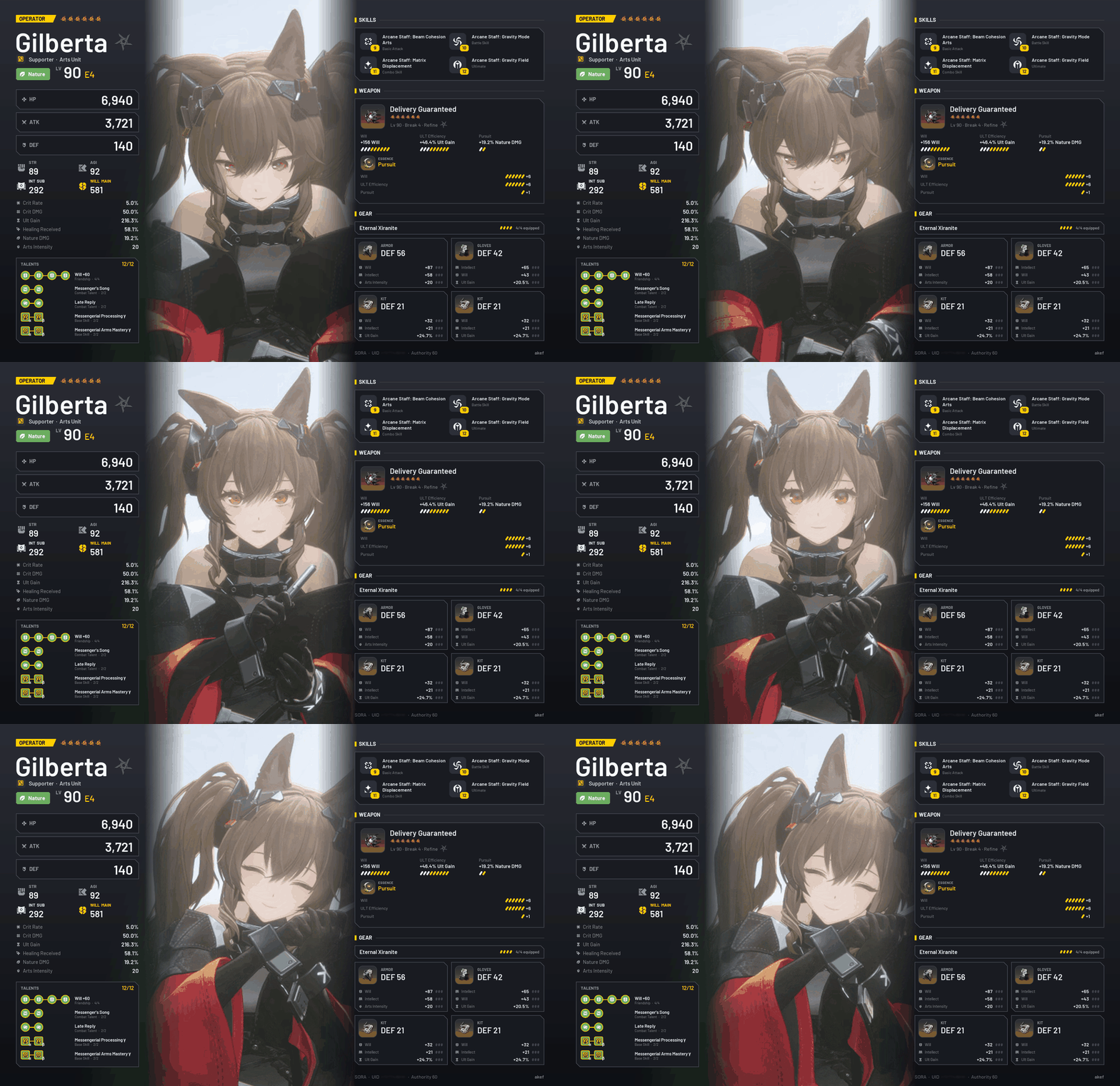
Quick way
file = await cards.render_animated(build, Path("art.gif"))                 # BytesIO named card.webp
file = await cards.render_animated(build, attachment_bytes, template=2, format="GIF")
| Option | |
|---|---|
template |
1 light (default), 2 dark |
format |
"WEBP" (default) or "GIF". GIF is a lot bigger and only has 256 colours |
quality |
webp quality, 80 by default |
fit |
"contain" (default) whole animation on a blurred backdrop, "cover" fill and crop, "auto" covers if that cuts under 20%, else contains |
focus |
(x, y) from 0 to 1, which part cover keeps. (0.5, 0.5) is the middle |
width |
output width in px, 1000 by default, never upscales |
frame_step |
2 by default, drops every 2nd frame. 1 keeps them all, bigger and slower |
hidden, allow_local, allow_remote |
same as the still card |
Long animations skip more frames so there's never more than 120, the loop stays the same length either way.
Very big ones (too many frames times pixels) get a CardError. It takes a few seconds and isn't cached.
Check the file first
info = await cards.animation_info(Path("art.gif"))
# AnimationInfo(width=370, height=498, frames=44, duration=1.6, fit='cover')
fit is what fit="auto" would pick for it.
Editing before export
animated_card() takes the same options (not format / quality) and gives an AnimatedCard. It draws once,
every edit returns a new one without redrawing, so exporting a few versions is cheap.
card = await cards.animated_card(build, Path("art.gif"), template=2, fit="auto")

await card.save("card.webp")
await card.trim(0.2, 1.4).speed(1.5).bounce().save("short.webp")
await card.hold(0.8).loops(3).save("pause.gif")
file = await card.to_bytes("GIF")
thumb = card.still(0.5)                         # Pillow image
| Method | Does |
|---|---|
trim(start, end) |
keep that part, in seconds. No end means till the end |
speed(factor) |
2 twice as fast, 0.5 half speed |
reverse() |
plays backwards |
bounce() |
forward then back, hides a jumpy loop |
hold(seconds, at="end") |
freeze on the last (or "start") frame |
loops(n) |
play n times, 0 forever |
resize(width) |
output width, never upscales |
still(at) |
the frame at that second as a Pillow image |
await to_bytes(format, quality) |
BytesIO with a file name |
await save(path, quality) |
.webp or .gif, picked from the extension |
await fit_under(max_mb, format, min_width) |
shrinks till it fits |
duration, frame_count and size tell you what you've got.
Upload limits
small = await card.fit_under(10)      # under 10 MB
print(small.settings)                 # {'width': 1000, 'frames': 22, 'quality': 70}
It tries, in order: lower webp quality, half the frames, then smaller widths down to min_width (500 by
default). If it still can't fit you get a CardError saying how small it got, trim() it or lower min_width.
Each try is a full export, so tight limits take a while. Exports run in threads and count toward
max_renders.
Frames that end up under 20ms get dropped, lots of players play those way too slow.